
1. How we install the Android app
Open the official Huzzahwin Bingo site, choose Android, save the APK, allow installs from the browser and run the file. The lobby is in English: rooms, slots, live and cashier in GBP.
- Download from our domain, not a mirror.
- Same login as desktop.
- Optional alerts for room starts and promos.
2. iPhone and iPad
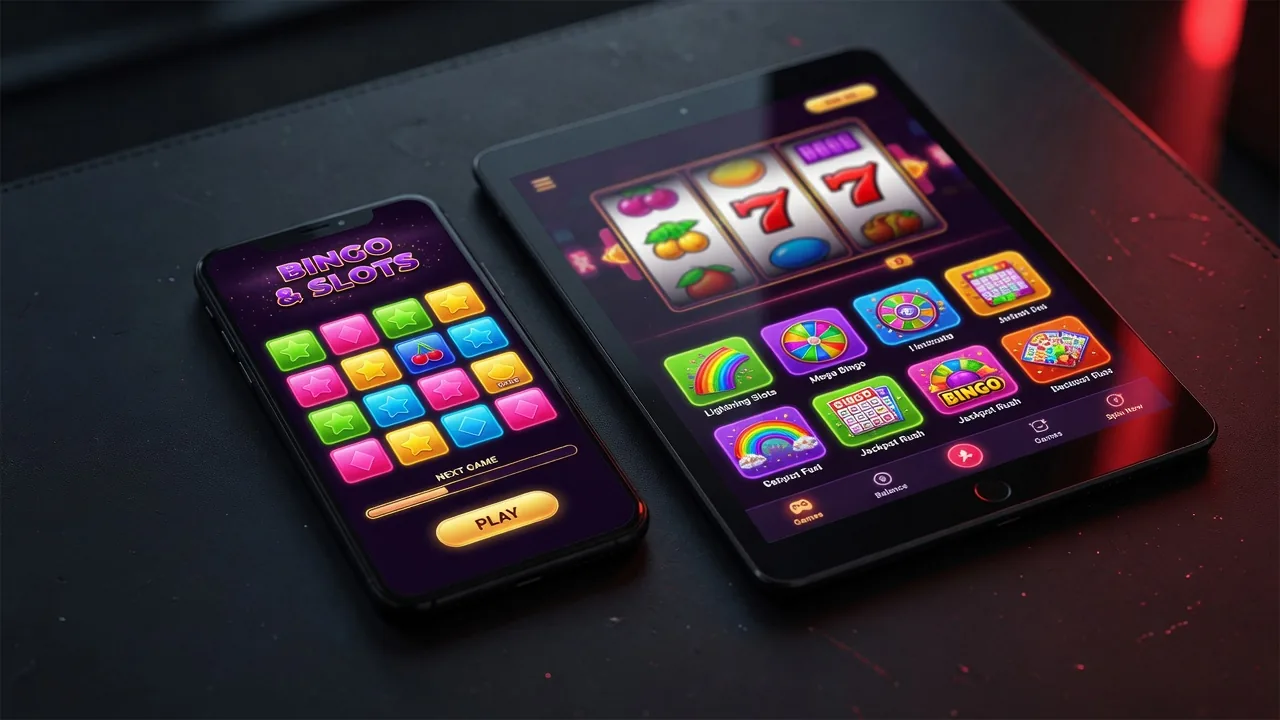
We don't ship a native App Store build. In Safari you can Add to Home Screen (PWA). It behaves like the mobile site: Apple Pay, 90-ball rooms and chat.
3. Permissions and updates
Camera is for KYC. We don't need your contacts or SMS inbox. Update only from the download area on our site.
Don't install APKs from chat, email or pop-ups.
4. App FAQ
Is the app free?
Yes. You only pay if you deposit to play.
Can I use my website account?
Yes — one profile.
Does iOS have an APK?
No. Use Safari or the PWA.